
What Causes WiFi Dead Zones?
The most common culprits include physical obstructions like solid concrete, brick, metal panels, and thick glass; distance from the router; and signal interference from microwaves or neighboring networks.
Step 1: Strategically Place Your Router and Access Points
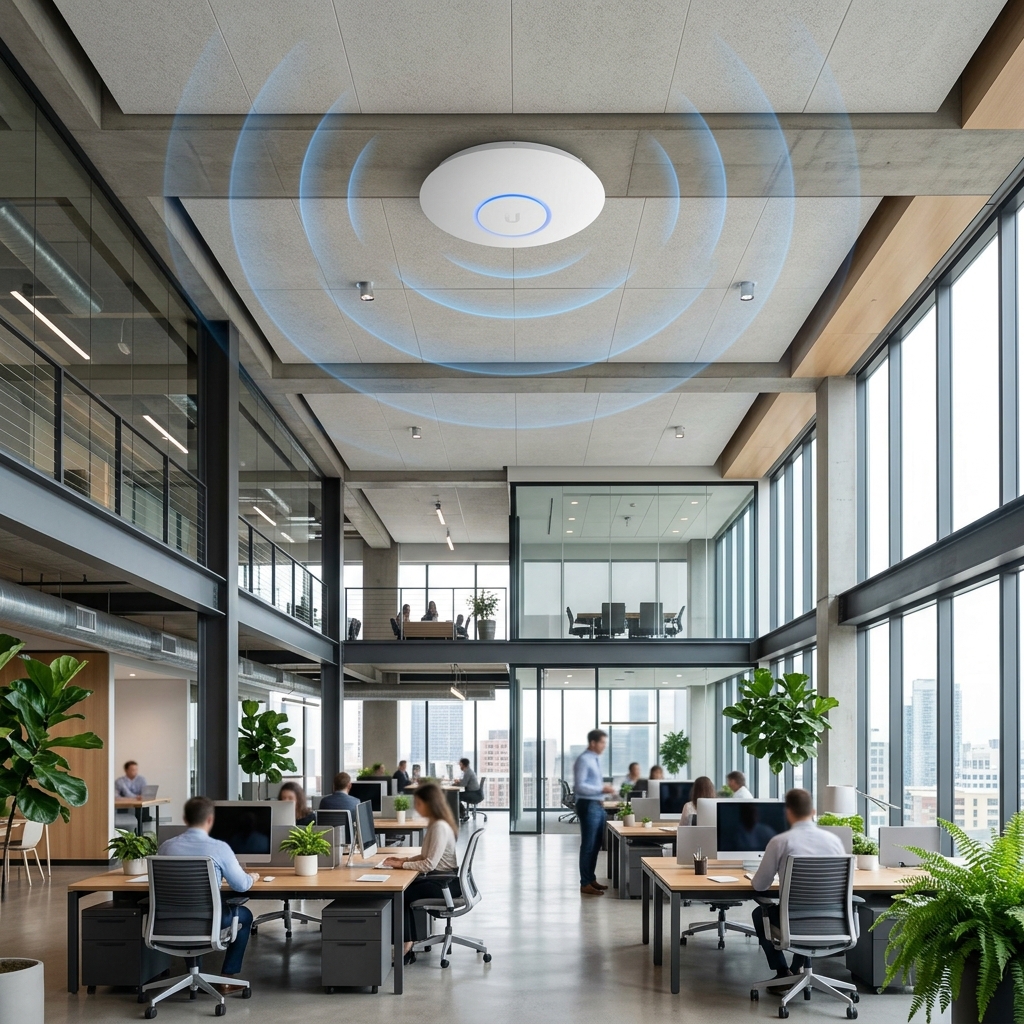
For optimal coverage, routers and access points (APs) should be mounted high on walls or ceilings, centrally located within the workspace.
\"Surveys show that mounting Access Points centrally on ceilings rather than placing them on desks or closets increases signal strength by up to 35%.\"
Step 2: Deploy a Seamless Mesh WiFi System
For medium-to-large offices, multiple access points work together under a single Network Name (SSID). As you walk, the system seamlessly handovers your device to the nearest node with zero lag.
Step 3: Leverage Wired PoE Backhauls
For enterprise-grade stability, use wired Ethernet backhauls. Connect your Access Points directly to a Gigabit PoE switch using structured Cat6 cabling.
Step 4: Optimize Frequency Bands and Channels
Configure your network to guide high-bandwidth devices (laptops, presentation screens) to the 5 GHz band, while leaving the 2.4 GHz band for slower IoT devices (printers, smart locks).